 Docora
Scan to PDF.Private by design.
Scan paper, receipts and notes, save them as PDFs, and keep your documents on your phone. No account. No cloud. Your files are never uploaded.
Get it on Google PlayFree to download, with optional Premium tools.
- No account
- No ads
- Works offline
Everything a document needs
Scanning, a tidy library, and PDF tools that always save a new file and leave your originals untouched.
A camera that finds the page
Live edge detection and auto capture when the page is steady. Scan several pages, then crop, enhance, rotate and reorder before saving. You can also import photos from your gallery.
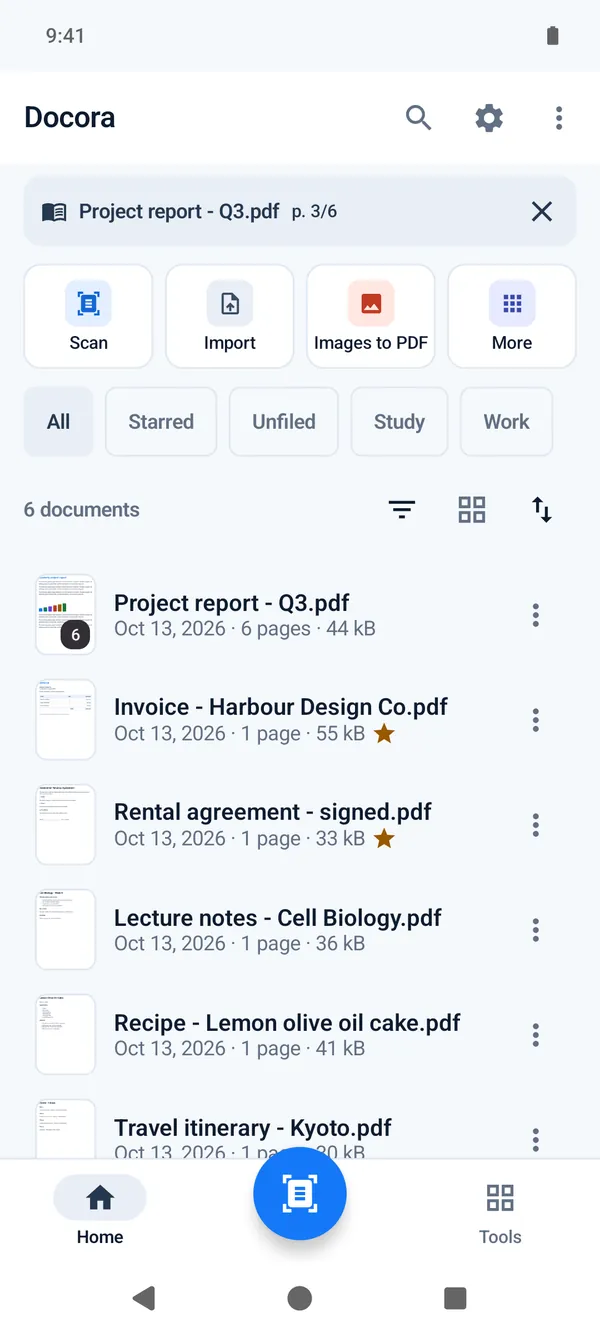
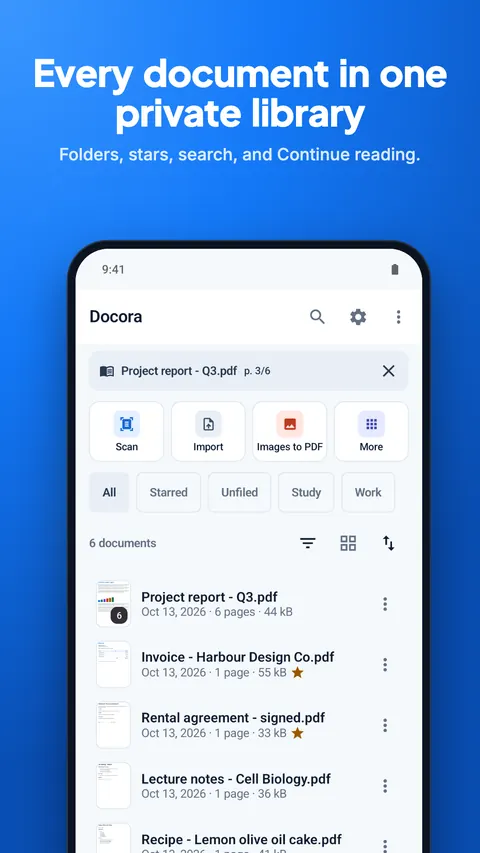
A private library
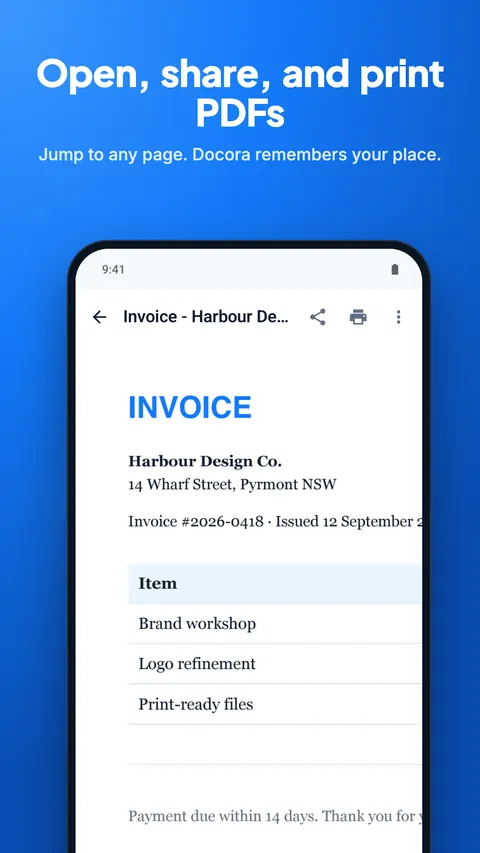
Import PDFs and images. Search, filters, folders, stars, rename, and a Trash you can restore from. Open, share and print from inside Docora.
PDF tools, included
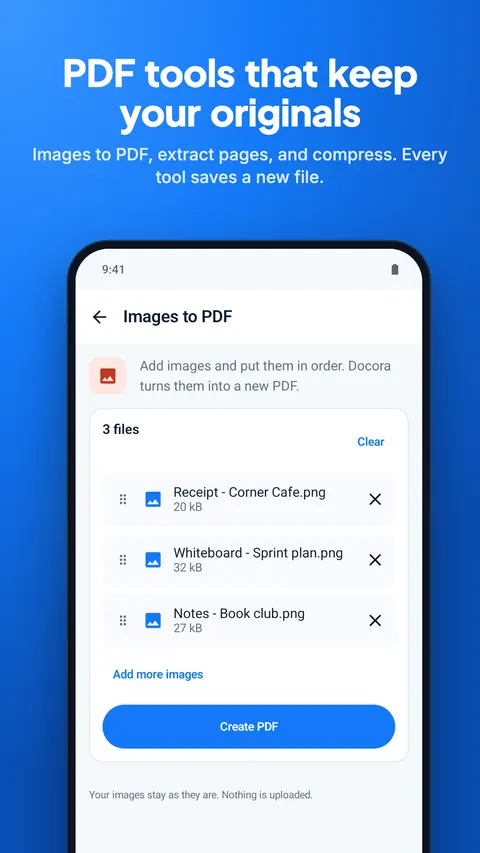
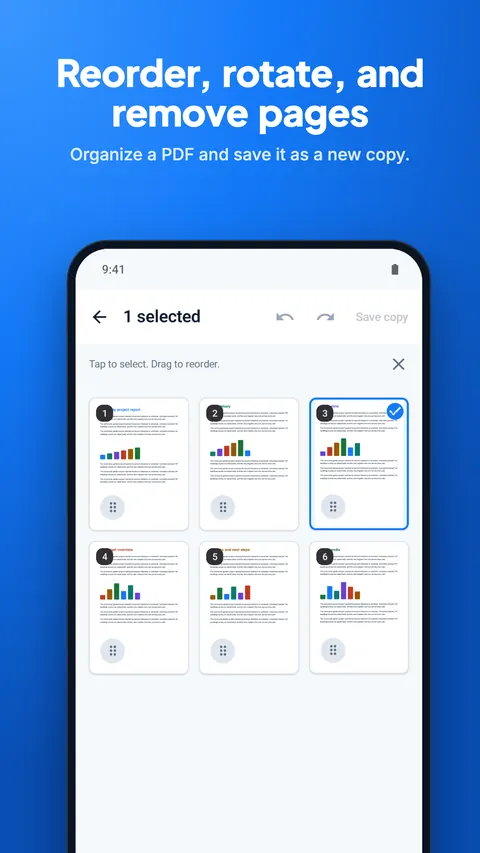
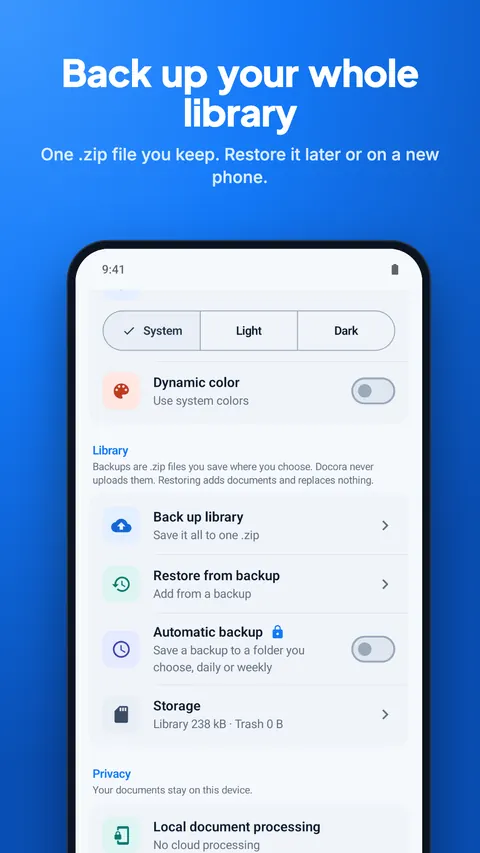
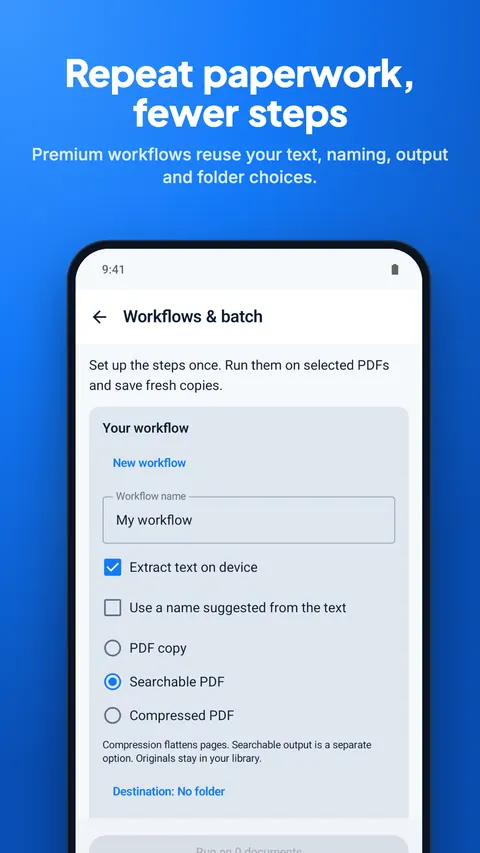
Turn images into a PDF, extract pages, reorder, rotate or delete pages, and compress a PDF. Back up your whole library to one file.
A look inside
Swipe through the app in your language.
Your documents never leave your phone
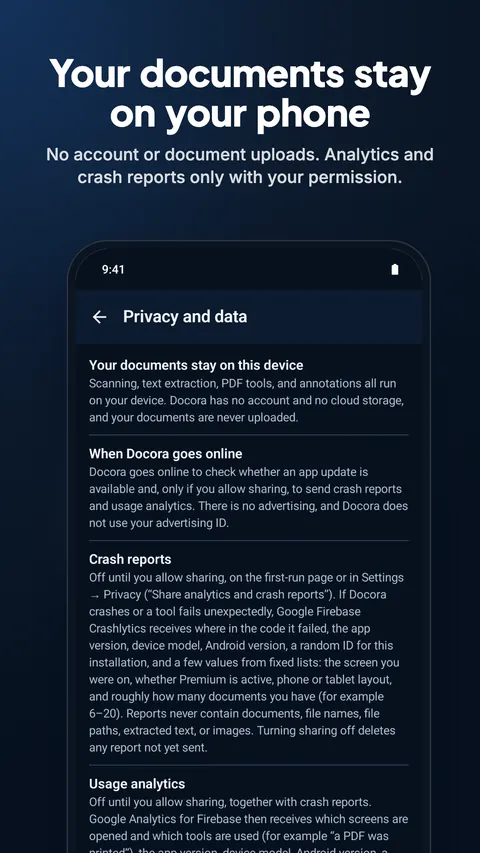
Docora is built to work offline. There is no cloud storage for your files and nothing to sign in to. It goes online only to check for app updates and, if you allow it, to send crash reports and usage analytics, which never include your documents, file names or text.
Google Play handles purchases and any age verification.
- No account, no cloud storage
- Documents, file names and text are never uploaded
- Crash reports and analytics only if you allow them
- No advertising, no advertising ID
- Files leave only when you share, export or print
- Purchases handled by Google Play
Questions and answers
Is Docora free?
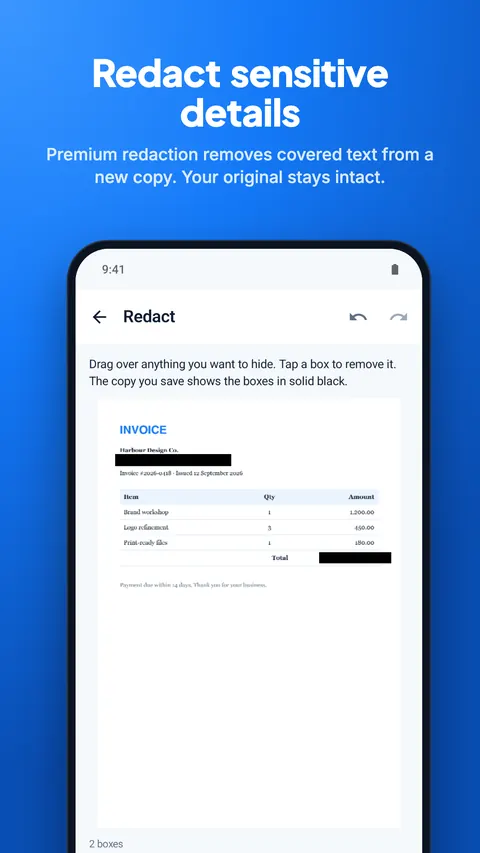
Yes. Scanning, the library, backup by hand and the basic PDF tools are free. Docora Premium adds advanced tools such as signing, editing, redacting and merging PDFs.
Does Docora upload my documents?
No. Your scans and PDFs are stored only on your phone. Docora has no account and no cloud storage, and a file leaves your phone only when you share, export or print it.
Does Docora work offline?
Yes. Scanning, text recognition and every PDF tool run on your phone without an internet connection.
Can I sign a PDF with Docora?
Yes, with Docora Premium. Draw your signature once, save it, and place it with dates, check marks and text on any PDF. Docora saves a signed copy and keeps the original.
Which phones does Docora run on?
Docora runs on Android phones and tablets with Android 7.0 or later.
What happens to my files if Premium ends?
Nothing is locked. You can still open, share, export and back up every document you made.